One record per member.Card, badge, certificate.
You keep your member list in your website's admin. Each record gives a card, a badge and a certificate in PDF, verifiable by QR code.
Three stages, in order
Prepare
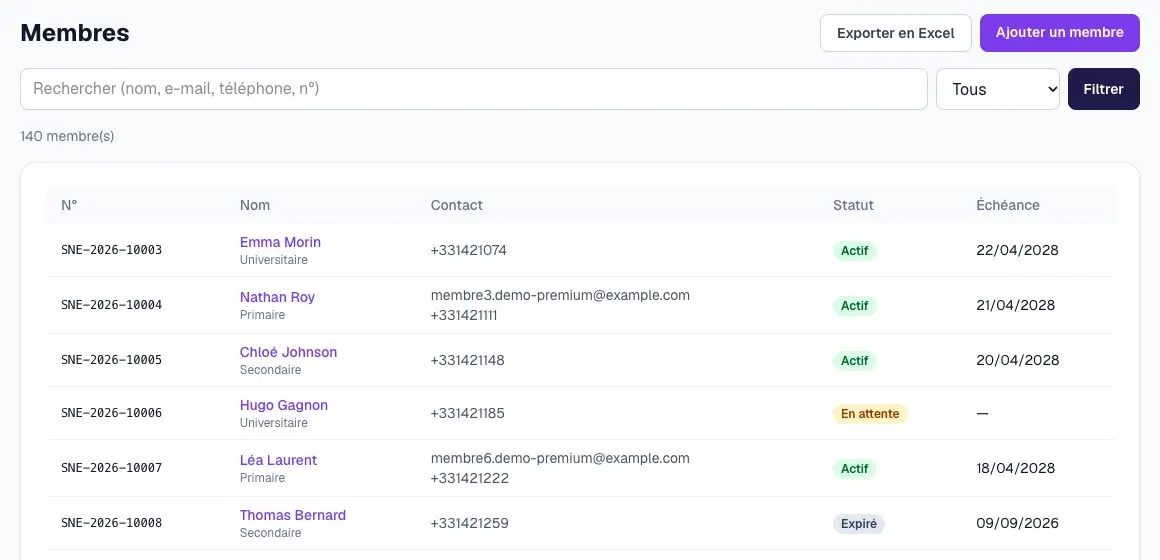
Your website online, your members in it
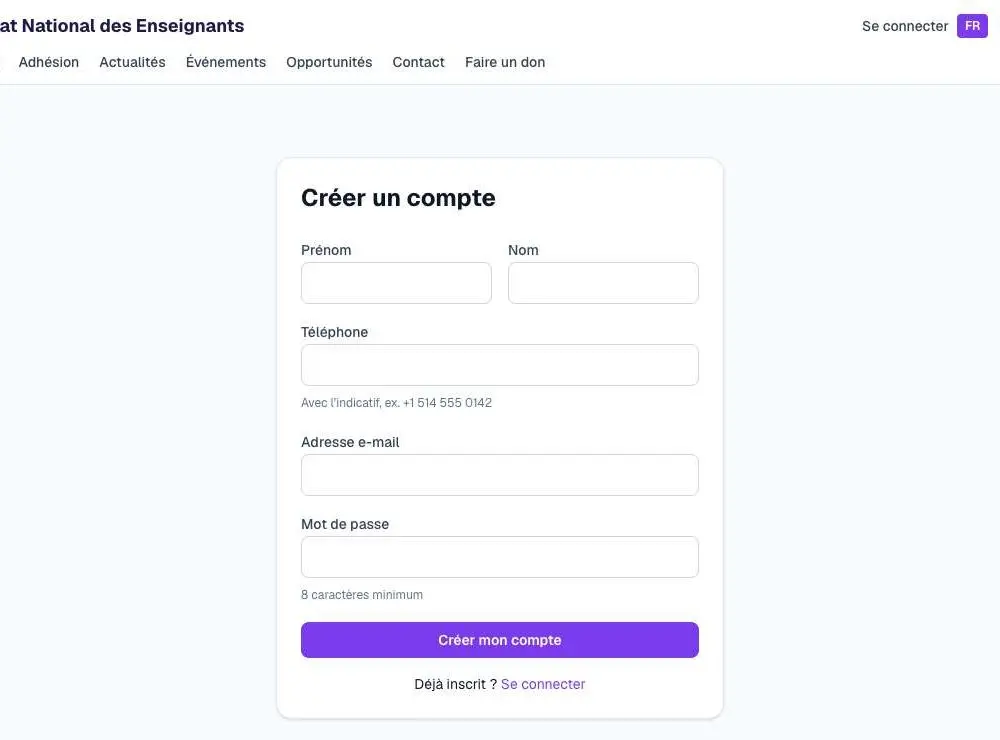
You choose a website and pay: it is published at your address. You then add your members one by one, or they sign up themselves from your website.
- Member number assigned automatically
- Search, filter by status, Excel export
/inscription Generate
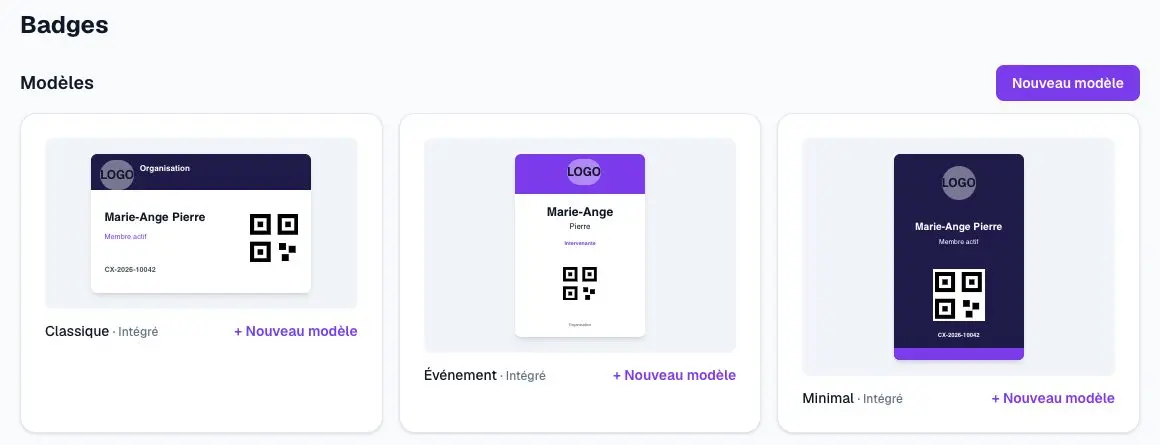
A card and a badge for each member
From a member's record, you download their card and badge in PDF. For an event, a CSV file gives a batch of badges, each with its QR code.
- Three badge templates provided, plus your own
- Your logo and colours on every document
/admin/badges Certify
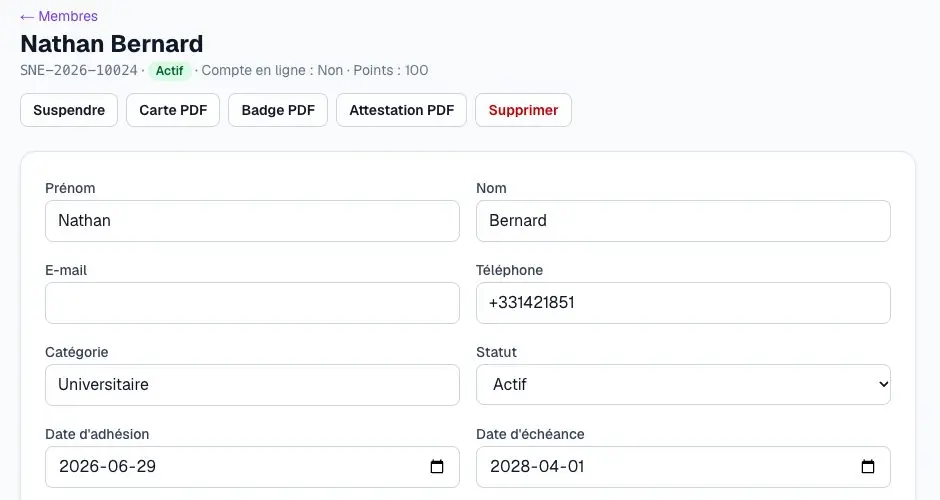
A certificate anyone can verify
The certificate carries a number and a QR code. The person who receives it scans it: your website confirms it is genuine.
- Numbered document, issued in one click from the record
- Public verification, no account needed
/admin/membres
Available features depend on your plan. Compare plans
- 1,000
- members on the Pro plan. 50 on Starter, 300 on Essentiel, no limit above.
- 3
- PDF documents per record: the card, the badge, the certificate.
- 1
- QR code per document. It is verified on your website, no account needed.
These figures are the product's today, not an example.
What happens without you
Three sequences the product runs on its own, from trigger to end.
New request
- A visitor writes, books or orders
- Their client record is created
- The request joins their history
- You reply from the record
- Nothing to retype.
Appointment
- A client books online
- Confirmation e-mail
- Reminder before the appointment
- Link to reschedule or cancel
- No manual step. With the Online appointments option.
Ordering a website
- You pay
- Your website is created from the chosen model
- It is published at your address
- The invoice arrives by e-mail
- No manual step: online in 60 seconds.